Introduction
I was looking for exception tracking system to improve quality of my project, so I took a look at available options like ones from 5 Error Tracking Tools Java Developers Should Know.
There is a lot of nice looking solution that are sold as SaS, but I needed something to setup behind my corporate firewall, so I gave a try and decided to setup Sentry.
This is short instruction how to setup Sentry with docker and send data from SpringBoot application, after that you have make your own option does it make sense to move it further.
I really like to use docker for all kind of Proof-Of-Concept linux installation; it is always easier to trash everything away. If you are not familiar with Docker or Docker Compose, I recommend to take a look at Docker
Compose Sentry
I found really helpful project that let me start sentry-docker.
After some reading through documentation of sentry-docker & Sentry on-premise I come up with docker-compose.yml
redis:
    image: redis

db:
    image: postgres

sentrycelery: &DEFAULT
  image: slafs/sentry
  command: "celery worker -B -l INFO"
  links:
    - redis:redis
    - db:postgresdb
  environment:
    SECRET_KEY: '123123123'
    SENTRY_URL_PREFIX: 'http://dockerhost'
    SENTRY_SINGLE_ORGANIZATION: 'True'
    SENTRY_INITIAL_TEAM: 'testteam'
    SENTRY_INITIAL_PROJECT: 'testproject'
    SENTRY_INITIAL_KEY: 'pub:sec'
    SENTRY_INITIAL_PLATFORM: 'java_logback'
    SENTRY_DOCKER_DO_DB_CHECK: 'yes'
    CELERY_ALWAYS_EAGER: 'False'
    CACHE_URL: 'hiredis://redis:6379/2'
    DATABASE_URL: 'postgres://postgres:@postgresdb/postgres'
    C_FORCE_ROOT: 'true'

sentryweb:
  <<: *DEFAULT  # "inherit" from the configuration above
  command: "start"
  ports:
   - "80:9000"
What it does, it starts postgres, redis and two containers for sentry(worker&web). It wires them together and also creates initial setup like team&project.
I picked integration with Logback, but you can use different ways of integrations.
No it time to just spin our containers with command docker-compose up
When I go to http://dockerhost (it is my local name of docker machine as I used it on OSX) I have login screen
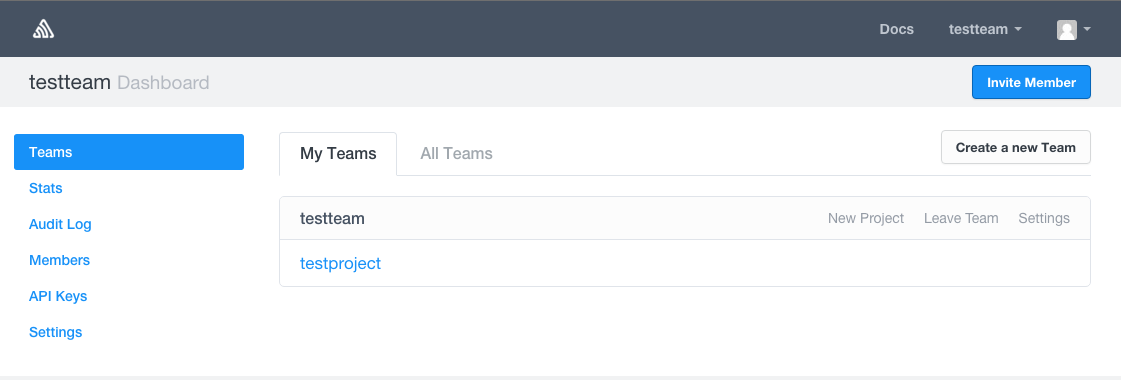
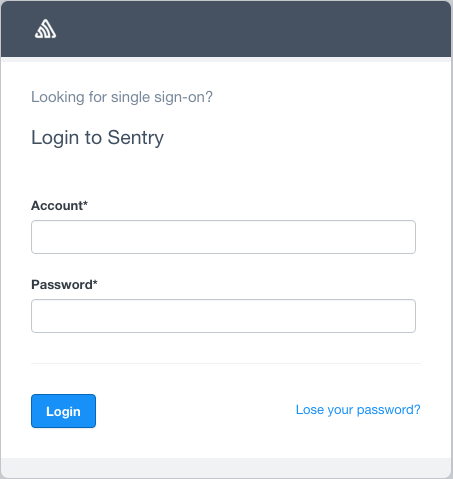 Default user is admin/admin, after successful login application dashboard is presented
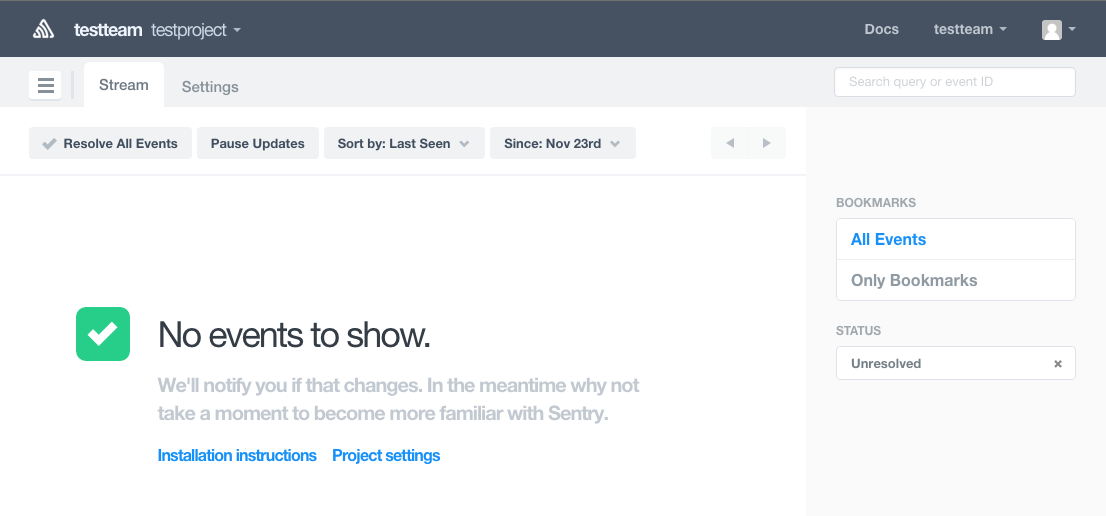
 or project view
Test application
Let's build test application based on Spring Boot app that just log exceptions.
@SpringBootApplication
@RestController
public class SentryApplication {

    private final static Logger logger = LoggerFactory.getLogger(SentryApplication.class);

    public static void main(String[] args) {
        SpringApplication.run(SentryApplication.class, args);
    }

    @RequestMapping(method = RequestMethod.GET)
    public String generateErrors() {
        logException(new NullPointerException("NPE"));
        logException(new IllegalArgumentException("Illegal"));
        return "Exceptions generated";
    }

    private void logException(Exception ex) {
        logger.error("Logger message for " + ex.getClass().getSimpleName(), ex);
    }
}
There is need to configure also logger properly to send information to Sentry and it is done in logback.xml
<?xml version="1.0" encoding="UTF-8"?>
<configuration>
    <include resource="org/springframework/boot/logging/logback/defaults.xml" />
    <property name="LOG_FILE" value="${LOG_FILE:-${LOG_PATH:-${LOG_TEMP:-${java.io.tmpdir:-/tmp}}/}spring.log}"/>
    <include resource="org/springframework/boot/logging/logback/console-appender.xml" />

    <appender name="SENTRY" class="net.kencochrane.raven.logback.SentryAppender">
        <dsn>http://pub:sec@dockerhost/2</dsn>
        <filter class="ch.qos.logback.classic.filter.ThresholdFilter">
            <level>WARN</level>
        </filter>
    </appender>

    <root level="INFO">
        <appender-ref ref="CONSOLE" />
        <appender-ref ref="SENTRY" />
    </root>

</configuration>
The most important bit of information is in dsn property where logger is pointed to our Sentry installation.
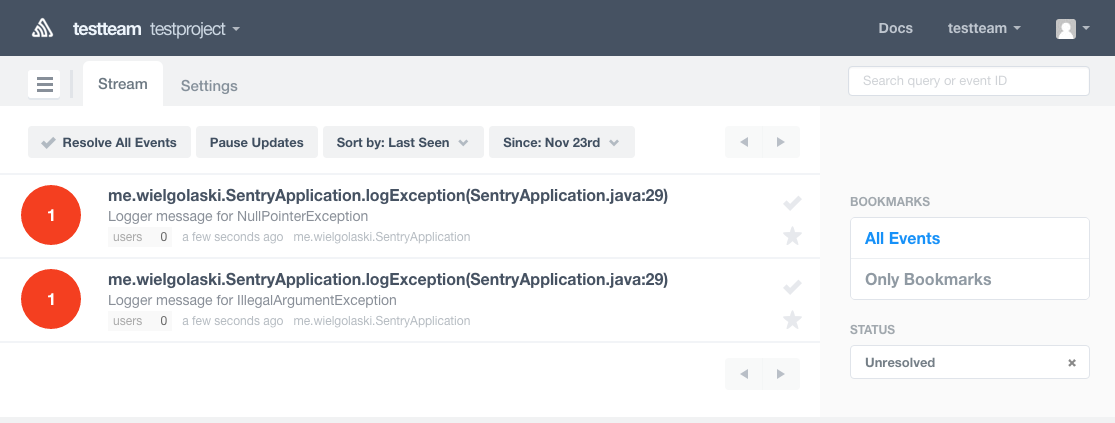
To make initial publication just start application and go to http://localhost:8080.
In project view now I can now see.
Conclusion
Sentry is easy to setup exception tracking system, so you can give a try and install it on your machine to see if it is useful for you.
Code available on GitHub